3D Printing and Scanning
1. Design and print a small object that could not be (easily) made by subtractive methods. Discuss pros and cons of 3D printing this object rather than using other fabrication methods.
2. Prepare your file for printing using PrusaSlicer (or equivalent), and upload your 3D model file (e.g. .f3z), STL file, and sliced gcode file to your documentation.
3. Scan something.
For this week's project, I wanted to continue making tactile, interactive objects. I used a model of a fidget cube I found on thingiverse and modified it with the PS70 symbol to personalize it to the class.
Thingiverse link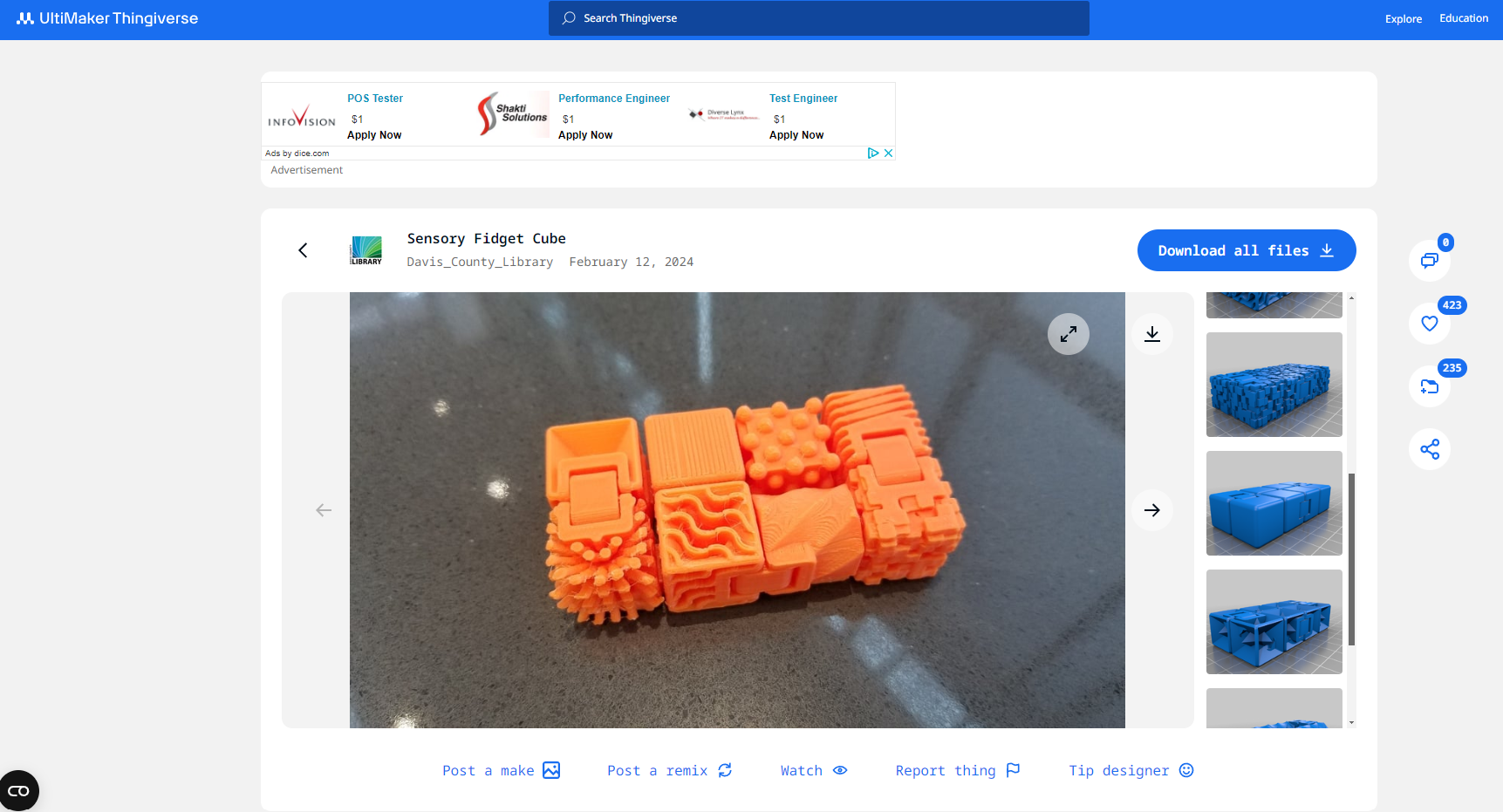
However, I ran into a couple issues when converting the mesh to a printable STL file. I suspect the model was designed in Blender due to the number of complex curves that were in the model. It was so complicated that it nearly crashed my computer the first couple of times I tried to convert the mesh. I also was particularly interested in this print because it was designed to be printed "in place," a concept Nathan introduced earlier in the week that I really wanted to try out!
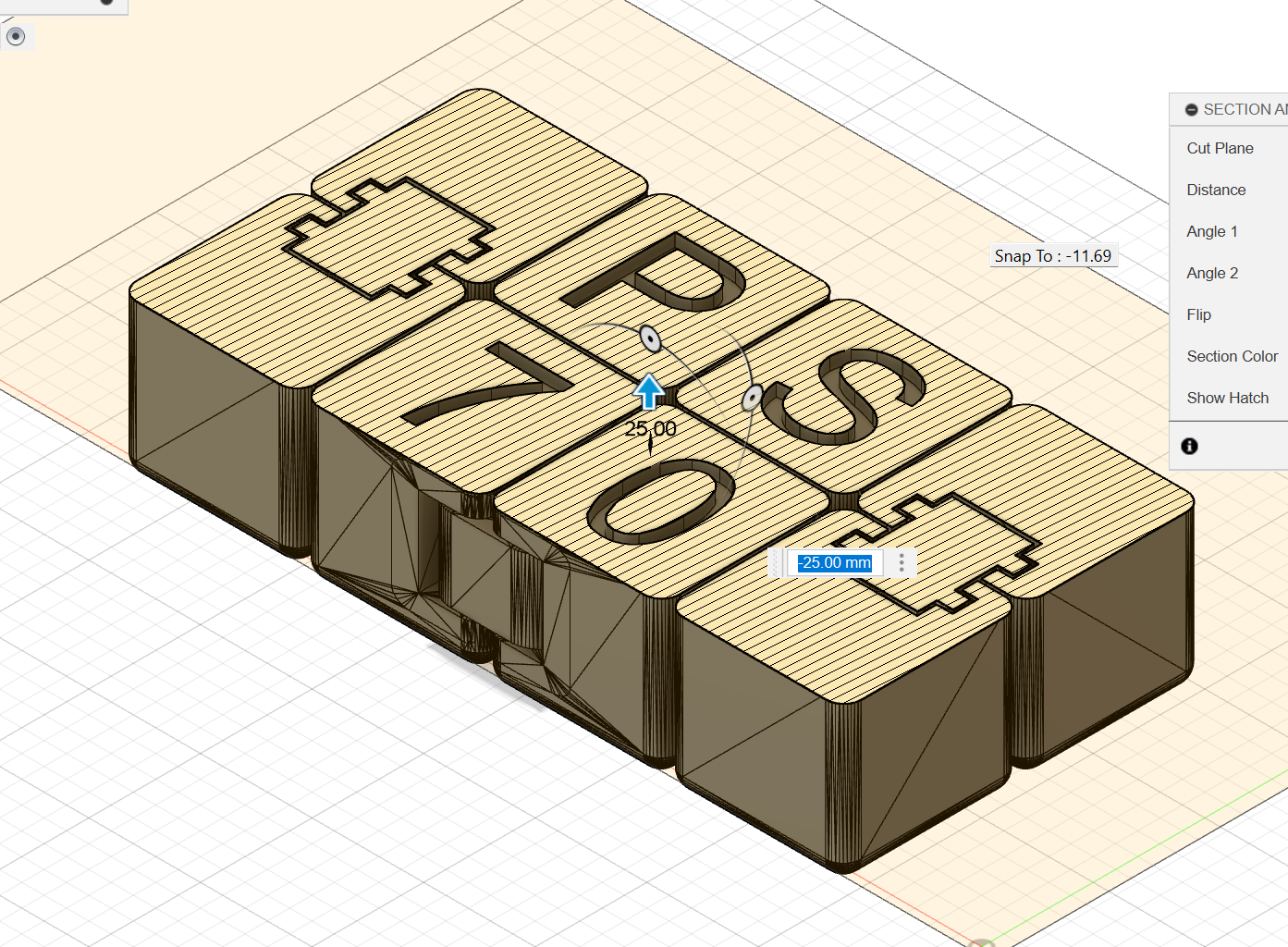
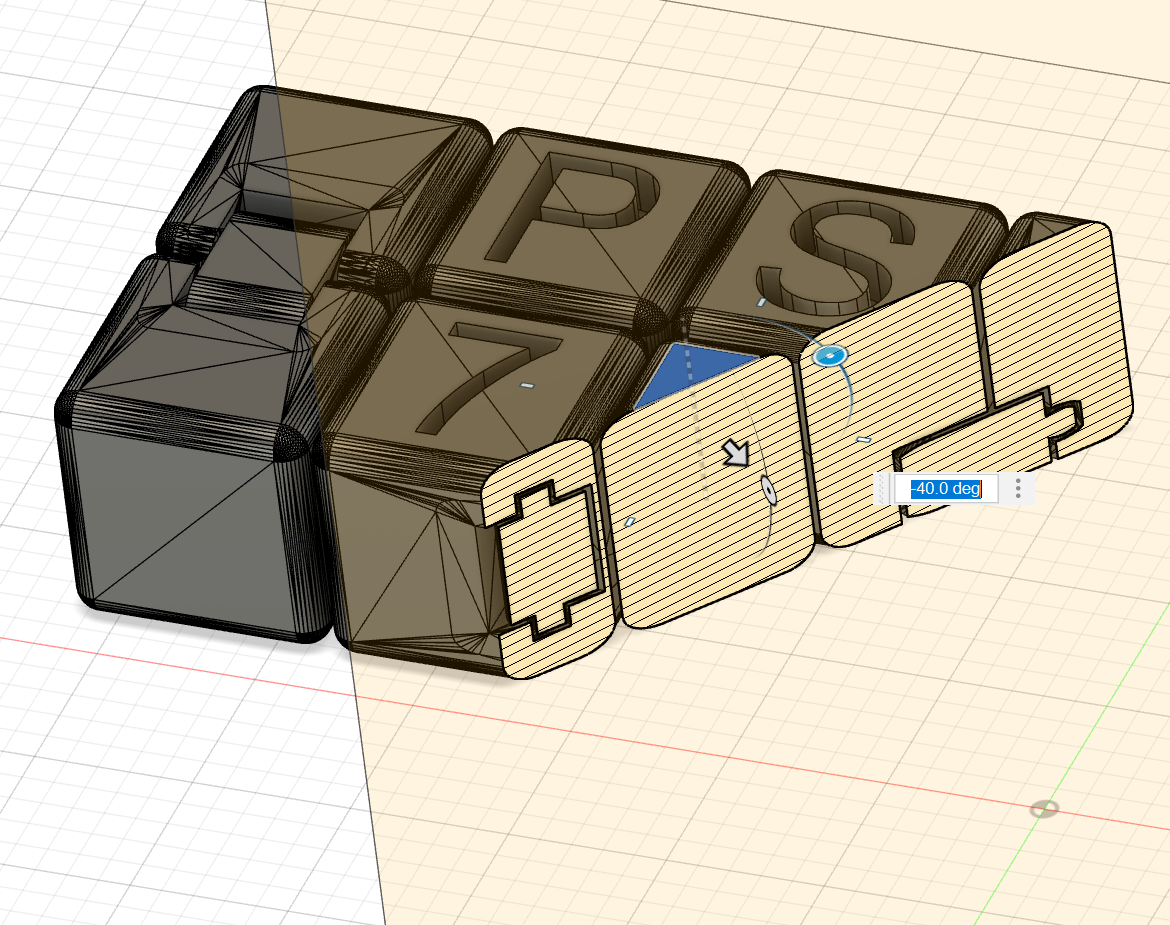
However, I ran into a couple issues when converting the mesh to a printable STL file. I suspect the model was designed in Blender due to the number of complex curves that were in the model. It was so complicated that it nearly crashed my computer the first couple of times I tried to convert the mesh.
Once I got the 3d model, I ran into some more issues with the printing. The first couple of times I attempted to print the model the print would not stick to the bed.
Many failed attempts...
Eventually Bobby helped me figure out that it had to do with the height of the extruder head. The extruder was dragging along as it printed and would tear up the previous layer as it continued to print. Once it got going, however, the results were quite satisfying!
Many failed attempts...
Then I tried scanning! Scanning is... hard. The scanner in the lab was finnicky and more often than not would produce some odd amalgamation of the part you were trying to scan. Instead, I opted to use Polycam on the phone, which operates by taking multiple pictures and piecing them together.